Since 2003, the Washington State Genealogical Society has recognized more than 450 outstanding volunteers and teams, nominated by their local society or genealogical organization for their service and dedication. These volunteers are the backbone of their local society, giving their time and expertise, to the organization and the field of genealogy. Over the last few months, you were introduced to each of the 2015 award recipients and learned why they received the 2015 WSGS Outstanding Volunteer and Team Award.
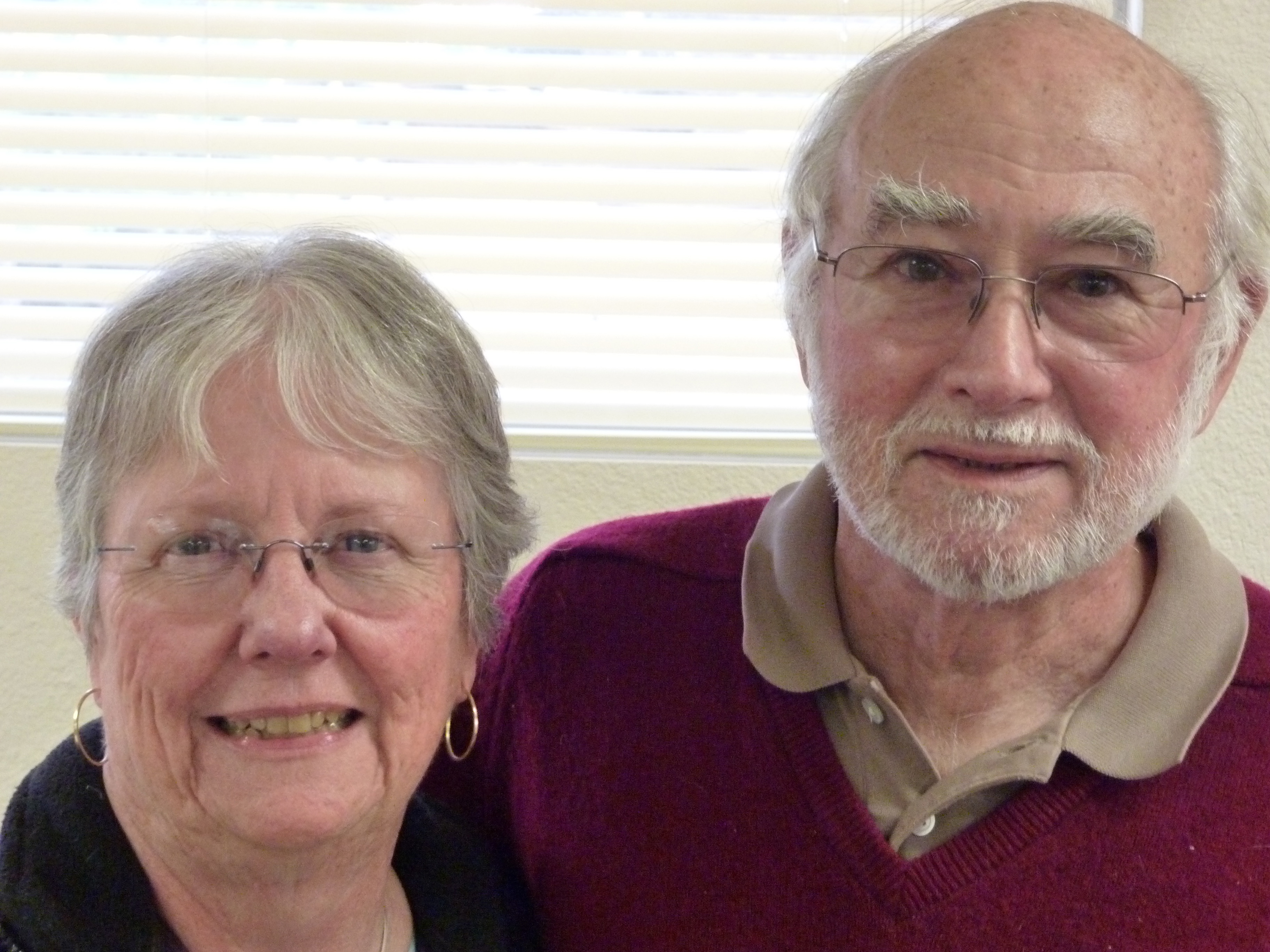
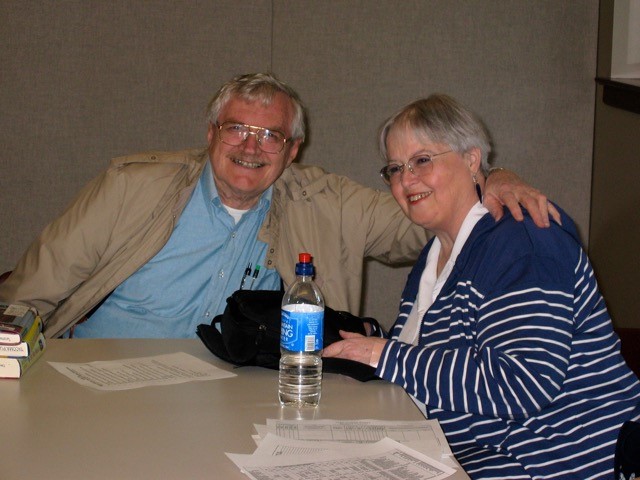
Today we’re introducing Mel and Marilyn Wright of Coupeville, Washington, who were nominated by the Genealogical Society of South Whidbey Island (GSSWI). They were recognized for what makes a society great: dedication, reliability, generosity, and energy.
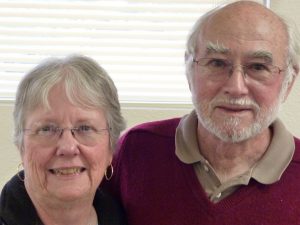
Marilyn and Mel Wright
For years, Mr. and Mrs. Wright, affectionately known as M & M, have been key members of the GSSWI, giving opinions, sharing ideas, and leading volunteer efforts, such as digitizing the society’s collection of obituaries, sponsoring interest groups on New England and New York, and organizing an annual trip to Salt Lake City.
Often the first to arrive and last to leave society meetings, this motivated twosome ensure everything is organized from beginning to end, including room organization, refreshments, audio-visual set-up, and even climbing onto waist-high window ledges to put up temporary rods and curtains to block the light.
Mr. and Mrs. Wright are experienced genealogists who keep up with continuing education and are glad to share their experience and resources with others. For these qualities and all they do for the GSSWI, they richly deserved being recipients of a 2015 WSGS Outstanding Volunteer Award.
For more information on the WSGS Outstanding Volunteer Award program, visit the Recognition page of the WSGS website or contact Roxanne Lowe, Recognition Chair, at Roxanne@thekeeffes.com.